IQ Option Demo Account: Free Practice Trading
The IQ Option demo account is a free, fully functional trading environment designed for anyone who wants to explore financial markets without putting real money on the line. Whether you are taking your first steps in trading or testing a new strategy before going live, the demo gives you access to the same tools, assets, and market data as the real platform – with zero financial exposure.
This page explains everything you need to know: what the demo account includes, how to open it in minutes, how to use it across web and mobile, and how to make the most of it before logging into a real account.
Trade on IQ Option online with bonus

Trade on IQ Option online with bonus and explore a popular platform for digital options and CFD trading with fast execution, advanced charts and powerful tools for traders.
What Is the IQ Option Demo Account
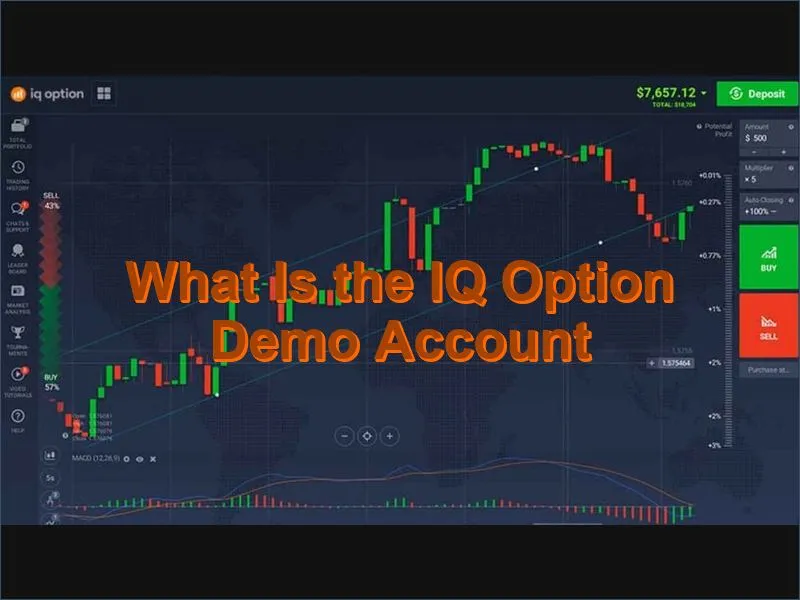
The IQ Option demo account is a simulated trading account pre-loaded with $10,000 in virtual funds. It mirrors the live platform in every meaningful way – the same asset catalog, the same charting tools, the same order execution interface – so that what you learn in demo mode translates directly when you switch to real trading.
Key facts at a glance:
| Cost | Free – no deposit required |
| Virtual balance | $10,000 (replenishable at any time) |
| Time limit | None – use it for as long as you need |
| Verification required | No – accessible immediately after registration |
| Assets available | 350+ including forex, stocks, crypto, and commodities |
| Platforms | Web browser, Windows, macOS, iOS, Android |
| Order execution speed | Avg. 0.6 seconds |
| Switch to real account | One click, minimum deposit $10 |
How to Open an IQ Option Demo Account – Step by Step
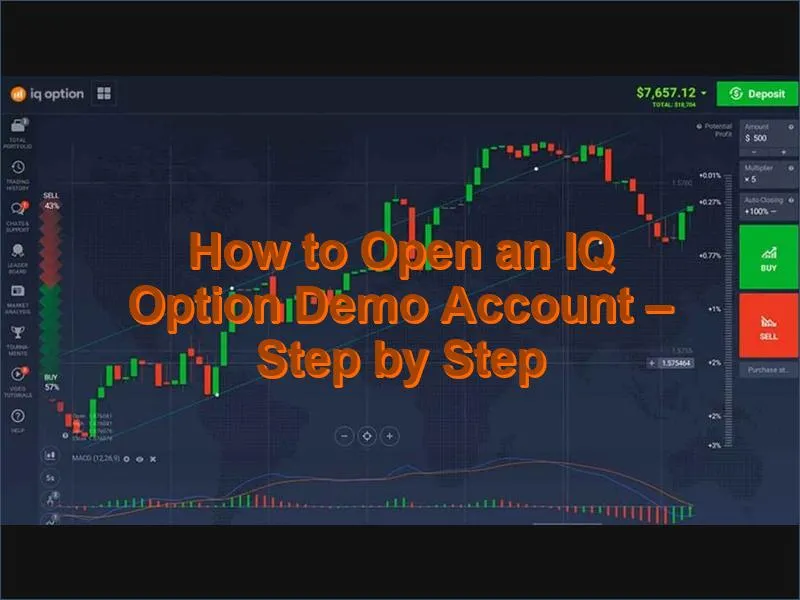
Opening the demo takes under two minutes and requires no payment details. Follow these steps:
- Go to the IQ Option website or open the mobile app. Always use the official source to avoid imitation sites.
- Click "Open demo account" on the homepage or registration screen.
- Choose your registration method – email, Google, or Facebook. All three give immediate access.
- Enter your email address and create a strong password (if registering by email).
- Confirm your age and accept the terms of service.
- Click "Create account." If you registered by email, check your inbox for the activation link.
- Select the demo account from the account switcher inside the platform dashboard.
- Your $10,000 virtual balance is ready. You can start placing practice trades immediately.
If your virtual balance runs low, you can reset it to $10,000 at any time with a single click – there is no limit on how many times you can do this.
What You Get in the IQ Option Demo – Full Feature Access
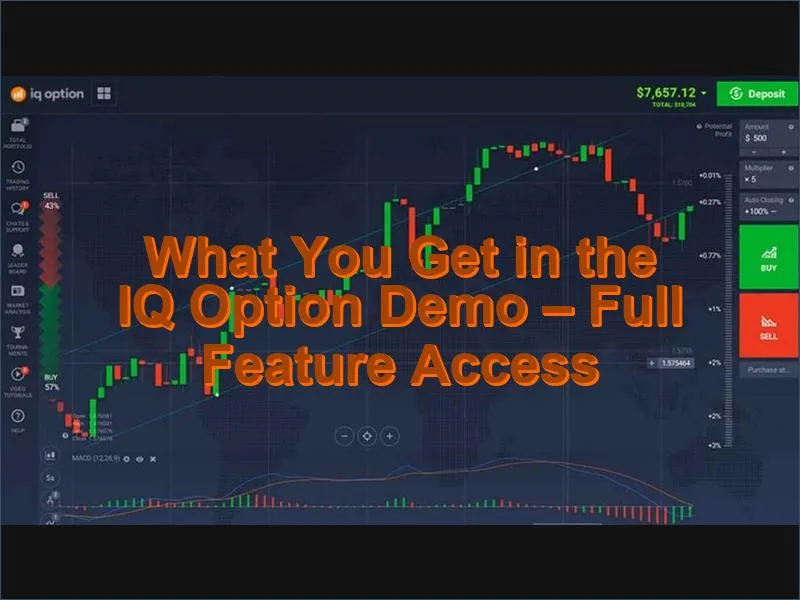
The demo is not a stripped-down version of the platform. Every feature available on the live account is accessible in demo mode, including:
- 350+ tradable assets – forex currency pairs, CFDs on stocks and indices, commodities, and cryptocurrencies
- Technical analysis tools – nearly 20 built-in indicators including Moving Averages, RSI, MACD, Bollinger Bands, and more
- Multiple chart types with 18 time intervals, from 1-minute to monthly
- Real-time market data – the same price feeds as the live platform
- Position top-up feature – a unique IQ Option tool for managing open trades
- Fast order execution averaging 0.6 seconds per trade
- Built-in educational materials and market analysis resources
- Risk management controls including stop-loss and take-profit settings
This level of completeness matters: practicing with the actual tools you will use in live trading builds genuine familiarity, not just a rough approximation of it. You can also explore trading strategies directly within the demo environment before applying them with real capital.
Using the Demo on Web, iOS, and Android
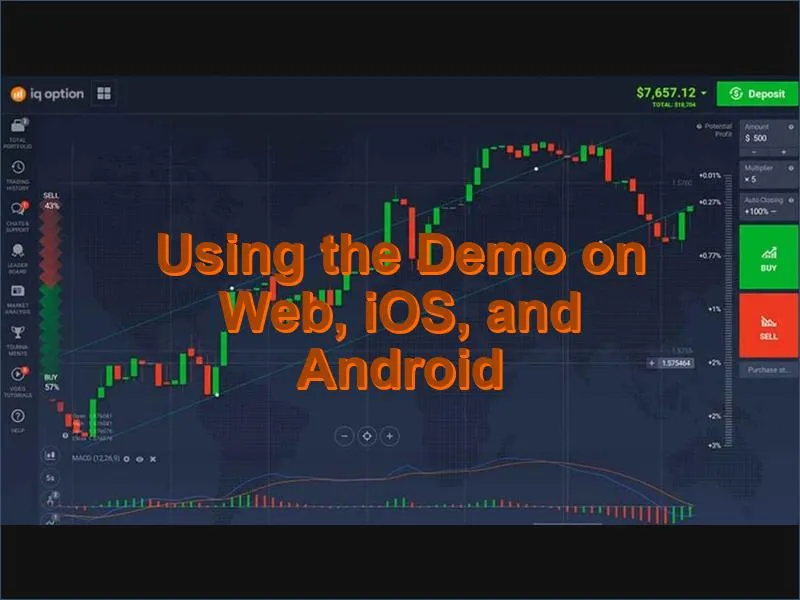
The IQ Option demo is available across all platforms with no functionality difference between them.
Web browser
No download is required. The web platform works on any internet-connected device and automatically adapts to different screen sizes. All indicators, chart tools, and assets are accessible directly from your browser.
iOS app
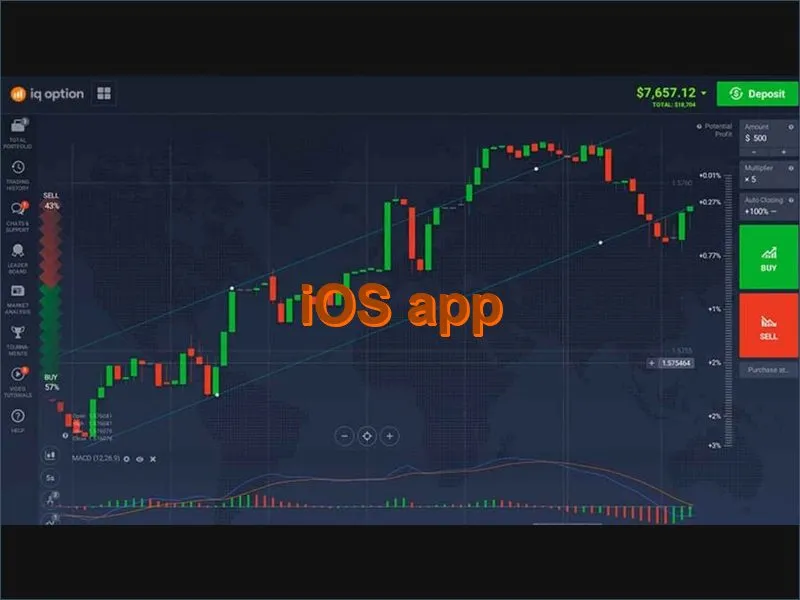
Download the IQ Option app from the App Store. The iOS version delivers the full demo experience optimised for iPhone and iPad – clean interface, real-time data, and access to the complete asset catalog. To get started: open the app, tap Register, select Demo account, and complete the short sign-up form. You can also read more about the IQ Option mobile app for a detailed feature breakdown.
Android app
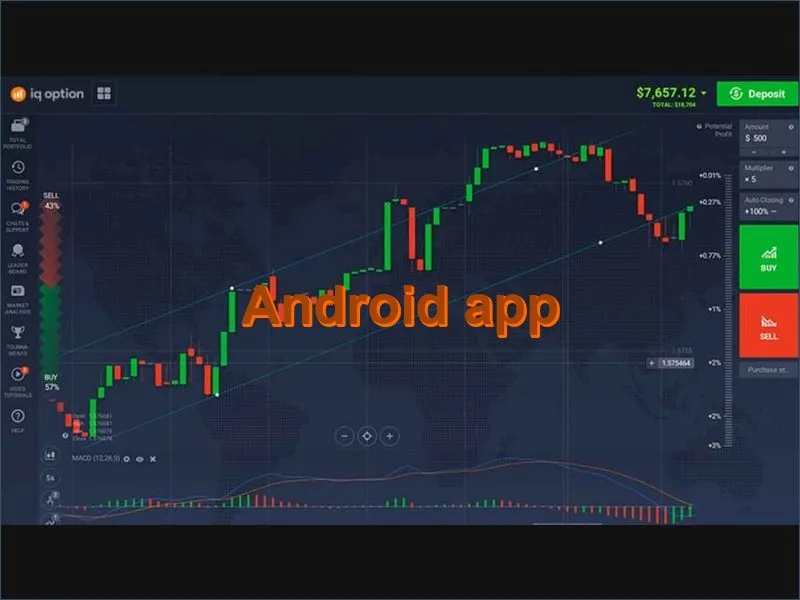
Download the app from Google Play. The Android version replicates the web platform in full and is designed for trading on the go. The registration steps mirror the iOS process – open the app, tap Register, choose Demo account, and you will have $10,000 in virtual funds within minutes.
| Feature | Web | iOS app | Android app |
| Assets available | 350+ | 350+ | 350+ |
| Technical indicators | ~20 | ~20 | ~20 |
| Download required | No | Yes (free) | Yes (free) |
| Order execution speed | avg. 0.6 sec | avg. 0.6 sec | avg. 0.6 sec |
Demo Account vs Real Account – Key Differences
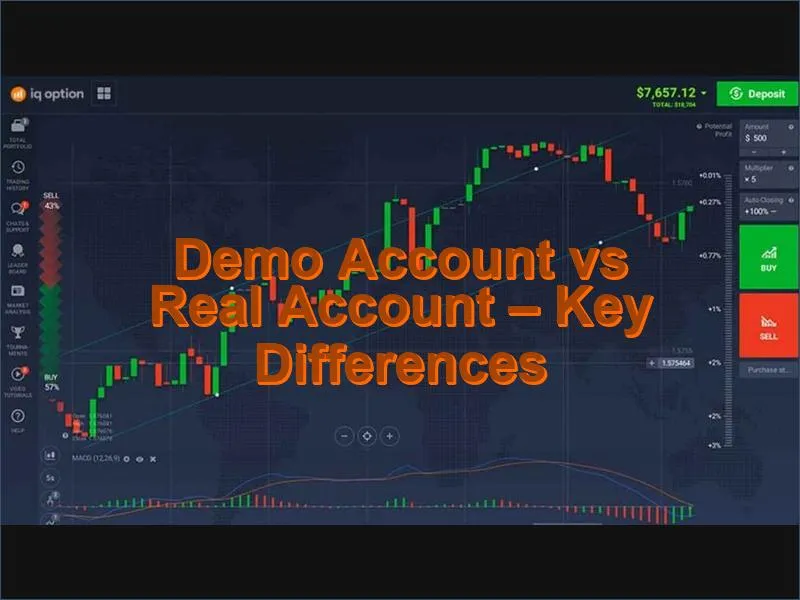
The demo closely mirrors the live trading environment, but there are a few practical distinctions worth understanding before you make the switch.
| Aspect | Demo account | Real account |
| Funds | $10,000 virtual (replenishable) | Your own capital |
| Minimum deposit | None | $10 |
| Withdrawals | Not available | Available (min. $2) |
| Profits | Virtual only | Real and withdrawable |
| Emotional pressure | None | Present – affects decisions |
| Account verification | Not required | Required for withdrawals |
| Access to bonuses | Not available | Available – see current bonus offers |
One thing the demo cannot fully replicate is the psychological dimension of trading with real money. The absence of financial pressure is a major advantage for learning, but experienced traders often note that decision-making changes when actual capital is at stake. Treating each demo trade seriously – with proper position sizing and a clear rationale – helps bridge that gap.
How to Make the Most of the IQ Option Demo Account
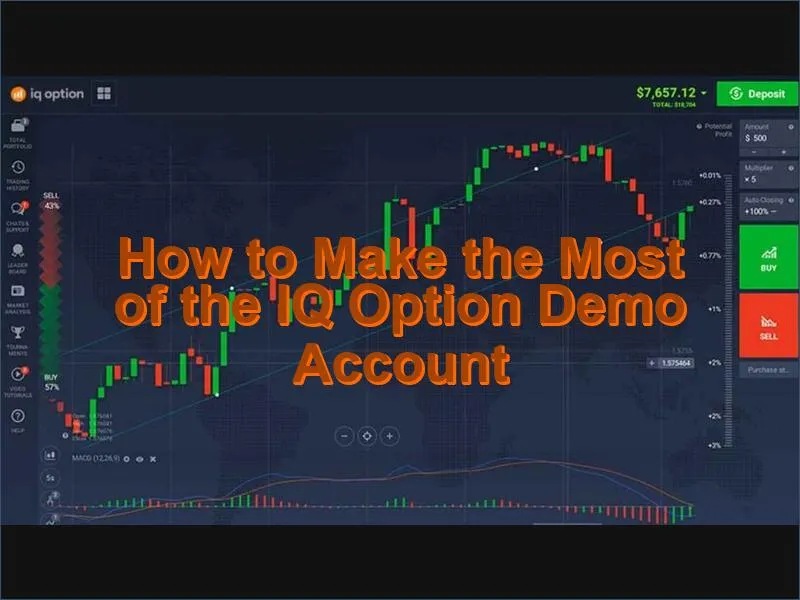
The demo account is a tool – how much value you extract from it depends on how you use it. These practical approaches will help you develop real trading competence rather than just clicking through trades:
Trade as if it were real money
Apply the same position sizing, stop-loss levels, and trade rationale you would use with real funds. If you would not risk more than 2% of your capital on a single trade in a live account, apply the same rule in demo mode. This builds consistent habits rather than reckless patterns.
Test one strategy at a time
The demo is an ideal space for systematic strategy evaluation. Choose one approach – for example, a moving average crossover on the EUR/USD pair – and test it across at least 20–30 trades before drawing conclusions. Switching strategies constantly prevents you from identifying what actually works.
Use the full indicator toolkit
Most beginners stick to one or two indicators, but the demo is the right place to experiment. Try combining RSI with support/resistance levels, or test how Bollinger Bands behave on different time frames. Understanding a range of tools makes you more adaptable in live markets.
Keep a trading journal
Record every demo trade – the reasoning behind entry and exit, the result, and what you would do differently. Reviewing your journal after 30–50 trades reveals patterns in your decision-making that are otherwise invisible.
Transition gradually
When you are consistently profitable in demo mode, consider opening a real account with the minimum deposit of $10 and trading at the smallest available position sizes. This lets you experience real-market psychology at minimal financial risk. Review the available payment methods before making your first deposit.
Who Should Use the IQ Option Demo Account
The demo account is genuinely useful at every level of experience, not just for beginners:
- Complete beginners – learn how orders work, how charts move, and how to navigate the platform without any financial risk
- Traders new to IQ Option – even experienced traders benefit from exploring an unfamiliar platform in demo mode before committing capital
- Strategy developers – test new approaches across different assets and market conditions before deploying them in a live account
- Traders returning after a break – use the demo to rebuild familiarity with the platform and refresh trading instincts
- Anyone exploring new asset classes – try cryptocurrency or commodity CFDs in a risk-free environment before trading them for real
For a broader view of the platform, including fees, spreads, and account conditions, see the full IQ Option review. If you are interested in promotional offers available for new real-account holders, the promo code page lists current deals.
From Demo to Real – When You Are Ready to Trade Live
Switching from demo to real trading on IQ Option requires only a minimum deposit of $10. The account switcher in the platform dashboard lets you move between demo and real modes instantly, so you can continue using both – practicing new ideas in demo while running live trades in your real account simultaneously.
Before going live, it is worth confirming that you:
- Have a clear understanding of the assets you plan to trade
- Have tested at least one strategy with consistent results in demo
- Understand how leverage and margin work on CFDs
- Are comfortable with the platform's order types and tools
- Have reviewed the deposit and withdrawal options available in your region
IQ Option demo FAQ
Is the IQ Option demo account really free?
Yes, the IQ Option demo account is completely free to open and use. No deposit is required at any stage, and there is no time limit on how long you can keep the account active. You can reset the virtual balance to $10,000 at any time if it runs low.
Does the demo account use real market prices?
Yes. The demo account is connected to the same live price feeds as the real platform. This means the asset prices, chart movements, and market conditions you practise with in demo mode reflect actual market behaviour in real time.
Can I use the demo account without verifying my identity?
Yes. Identity verification is not required to access the IQ Option demo account. You can register with just an email address and start trading virtual funds immediately. Verification is only needed later if you decide to deposit real money and withdraw profits.
What is the difference between the demo balance and real funds?
The $10,000 in the demo account is virtual currency with no real monetary value. It cannot be withdrawn or transferred to a real account. Profits and losses in demo mode are simulated and exist only for practice purposes. Real funds are entirely separate and are only involved once you make a deposit.
How many times can I reset my demo account balance?
There is no restriction on how many times you can reset your demo balance. If your virtual funds drop to zero or you simply want to start fresh, you can restore the balance to $10,000 with a single click inside the platform at any time.
Can I switch between the demo and real account after registering?
Yes. Once you have registered and made at least one deposit, you can switch between demo and real account modes instantly from the account selector in the platform dashboard. Both accounts share the same interface and tools, so switching is seamless.
Are all trading tools available in the demo account?
Yes. The demo account provides full access to the same tools as the live platform, including approximately 20 technical indicators, multiple chart types, 18 time intervals, real-time data, stop-loss and take-profit settings, and the full library of 350+ assets. There are no feature restrictions in demo mode.